What Is SPF and How Does It Protect Your Business Email?
If someone can send an email that claims to be from you@yourbusiness.com without actually having access to your accounts, that’s a spoofed email — and it’s a lot easier to pull off than most business owners realize. SPF is usually the first line of defense against it, and it’s often the quickest of the three major email authentication records to set up.
What SPF Actually Is
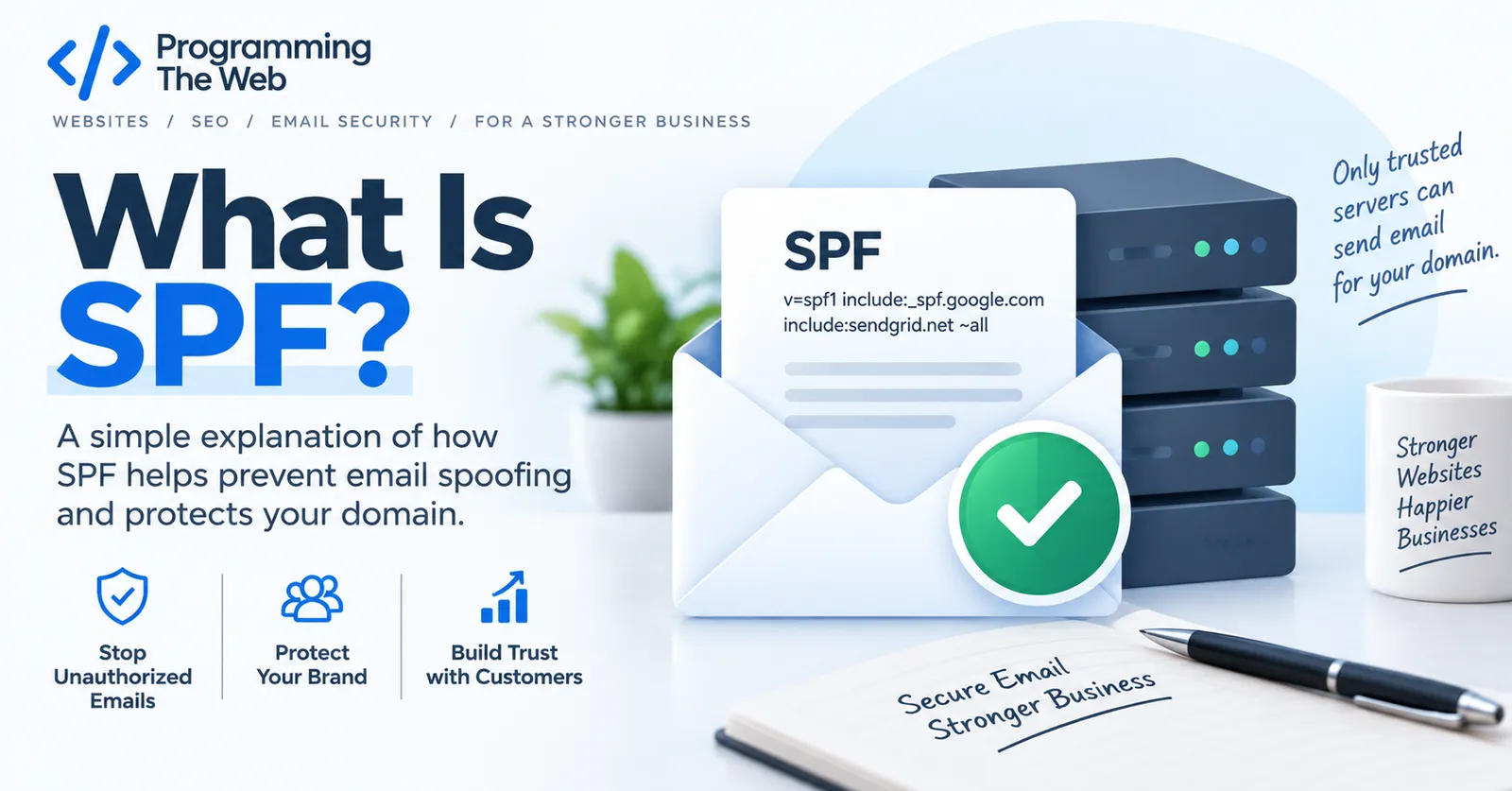
SPF (Sender Policy Framework) is a DNS record — a short line of text published under your domain — that lists exactly which mail servers are allowed to send email on your behalf. When another mail server receives a message claiming to be from your domain, it checks your SPF record to see whether the server that actually sent it is on that approved list.
If it’s not, that’s a strong signal the message is spoofed. What happens next depends on the receiving server’s own policies, and on whether you’ve also set up DMARC — SPF by itself only supplies the information, it doesn’t enforce anything.
What an SPF Record Looks Like
A typical SPF record looks something like this:
v=spf1 include:_spf.google.com include:mailchimp.com -allBreaking that down:
v=spf1— marks this as an SPF record.include:_spf.google.com— authorizes Google Workspace’s mail servers to send for this domain.include:mailchimp.com— authorizes a marketing tool (Mailchimp, in this example) to send on the domain’s behalf too.-all— tells receiving servers to treat anything not on this list as unauthorized.
That last part — the “all” mechanism — matters more than people expect. -all says “reject anything else outright.” ~all says “treat anything else as suspicious but don’t hard-fail it.” ?all says “no real opinion either way.” A lot of SPF records sit at ~all or ?all indefinitely, which provides much weaker protection than a properly tested -all.
Why It Matters for Small Businesses
Every tool that sends email using your domain — your inbox provider, your invoicing software, your CRM, your email marketing platform — needs to be listed in your SPF record. Miss one, and mail from that tool can get flagged as spam or rejected outright. Leave the record too loose (or missing entirely), and it’s easier for someone to spoof your domain in a phishing email aimed at your customers or vendors.
This is also exactly the kind of thing that quietly breaks: someone adds a new invoicing tool, nobody updates the SPF record, and six months later invoices start landing in spam.
The 10 Lookup Limit — A Common Gotcha
SPF has a technical limit that trips up a lot of setups: receiving servers will only follow 10 DNS lookups worth of include, a, mx, ptr, and redirect mechanisms while evaluating your record. Once a domain accumulates enough third-party tools — each with its own include: — it’s easy to blow past that limit without anyone noticing, which can cause SPF to fail validation entirely, for everyone, even legitimate senders. If your business uses several email-sending tools, this is worth checking specifically rather than assuming more includes are always safe to add.
SPF, DKIM, and DMARC Work Together
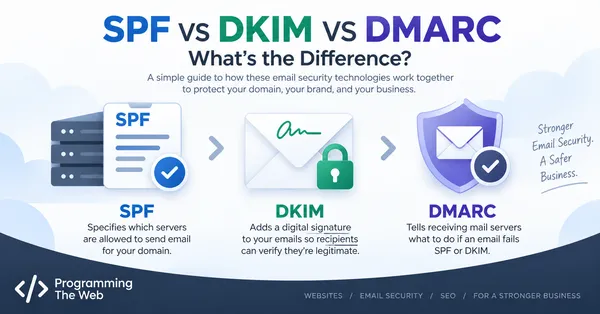
SPF is one piece of a larger system. DKIM digitally signs your outgoing mail so it can’t be altered in transit, and DMARC ties SPF and DKIM together with an actual enforcement policy. (See our full SPF vs DKIM vs DMARC comparison for how they fit together.) A domain with SPF but nothing else is better protected than a domain with nothing — but SPF alone won’t stop every spoofing attempt, particularly ones that exploit how the “From” address a person sees doesn’t always have to match the domain SPF actually checked.
Checking Your Own Domain
You can check whether your domain currently has an SPF record — and what it says — in a couple of minutes, free, no signup required.