What Is DMARC and Why Does Your Business Need It?
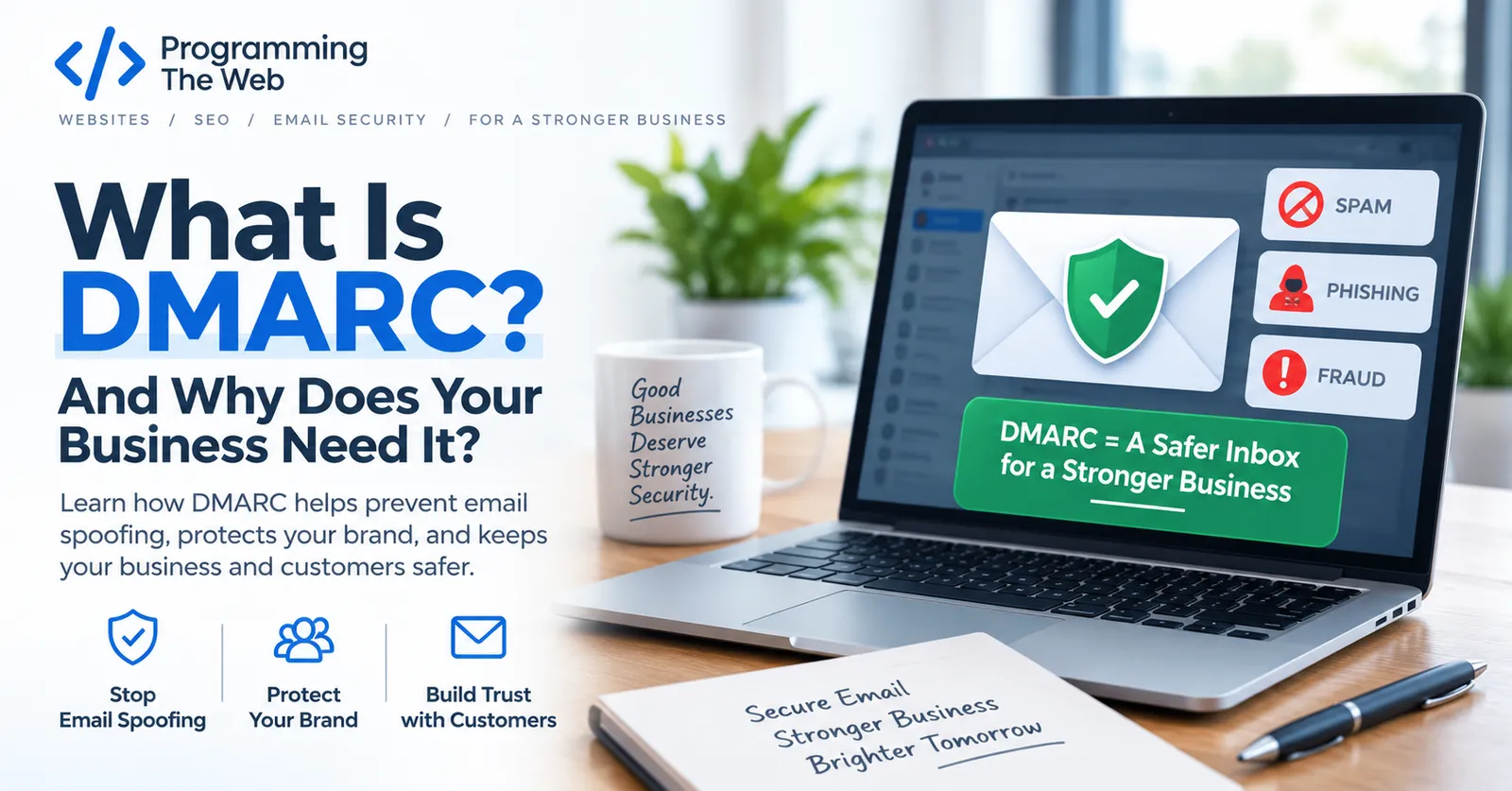
If you’ve ever gotten an email that looked like it came from your bank, your boss, or even your own company — but wasn’t — you’ve seen email spoofing in action. DMARC is the tool that stops attackers from sending fake emails that appear to come from your domain, and if you run a small business, there’s a good chance yours isn’t protected.
What DMARC Actually Does
DMARC stands for Domain-based Message Authentication, Reporting, and Conformance. In plain terms, it’s a set of instructions you publish for your domain that tells email providers (Gmail, Outlook, and everyone else) two things:
- How to check whether an email claiming to be from your domain is actually legitimate.
- What to do with messages that fail that check — deliver them anyway, send them to spam, or reject them outright.
Without DMARC in place, nothing stops someone from sending an email that says it’s from billing@yourbusiness.com when it isn’t. Most mail providers will deliver that message straight to your customer’s inbox, because there’s no rule telling them not to.
Why It Matters for Small Businesses
Larger companies have security teams watching for this kind of abuse. Small businesses usually don’t — which makes them an easier target for attackers impersonating a trusted local brand. A single convincing phishing email sent “from” your business to your customer list can do real damage to a reputation that took years to build, even though you didn’t send it and had no way to stop it without DMARC in place.
It also affects deliverability. Mail providers increasingly favor domains with DMARC configured correctly, and some — including Gmail and Yahoo — now require it for anyone sending meaningful volumes of email. A missing or misconfigured DMARC record can mean legitimate marketing emails and invoices start landing in spam.
How DMARC Works With SPF and DKIM
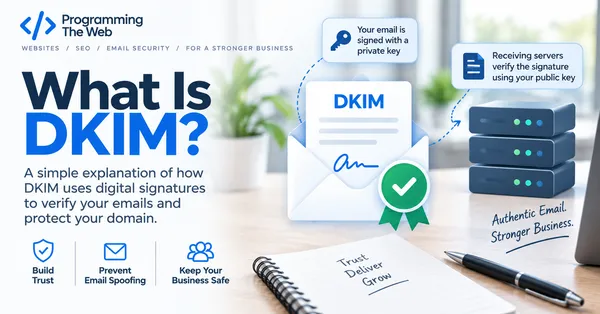
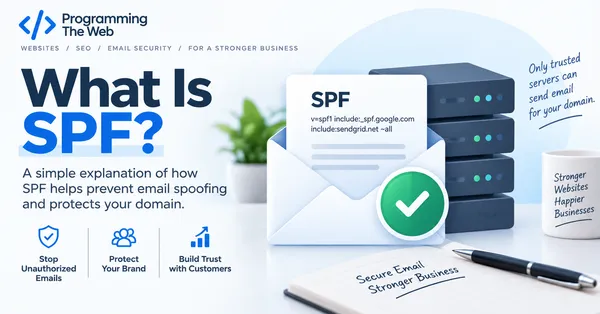
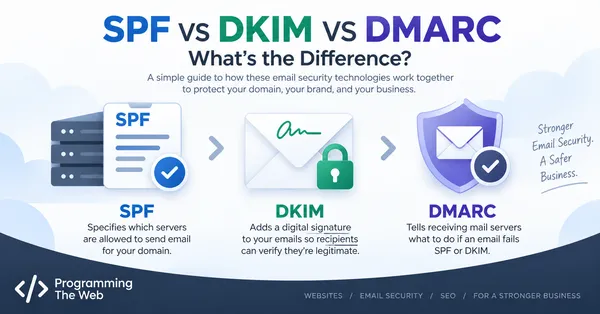
DMARC doesn’t work alone — it builds on top of two other email authentication standards. In short, SPF lists which mail servers are allowed to send email for your domain, and DKIM attaches a digital signature to outgoing mail so it can’t be tampered with in transit. (We also have a full SPF vs DKIM vs DMARC comparison if you want them side by side.) DMARC then ties the two together and tells receiving mail servers what to do when a message fails one or both checks.
If you’re not sure whether your domain already has SPF or DKIM set up, that’s worth checking first — DMARC won’t do much good without them.
Setting Up DMARC for Your Domain
At a high level, setting up DMARC involves:
- Confirming SPF and DKIM are already configured correctly for every service that sends email on your behalf (your website’s contact form, your email marketing tool, your actual inbox provider, and so on).
- Publishing a DMARC record in your domain’s DNS settings that specifies a policy — typically starting at
p=none(monitor only, no enforcement) while you confirm everything is authenticated correctly. - Reviewing the reports DMARC generates to catch any legitimate mail source you missed.
- Gradually tightening the policy to
p=quarantineand eventuallyp=rejectonce you’re confident nothing legitimate will be blocked.
This is very doable for most small businesses, but it’s easy to get wrong on the first try — a policy set to reject before every sending source is accounted for can cause real email (like invoices or password resets) to silently disappear.
Common DMARC Mistakes
The most frequent issues we see:
- No DMARC record at all — the domain is wide open to spoofing.
- A record that exists but does nothing (
p=noneleft in place indefinitely, with no one reviewing the reports). - Jumping straight to
p=rejectwithout first confirming every legitimate sender is covered, which can break real business email. - Forgetting third-party senders — invoicing software, CRM tools, and marketing platforms that send “from” your domain all need to be accounted for in SPF and authorized correctly for DKIM.
If your domain’s email security setup hasn’t been reviewed recently, it’s worth a look — you can check whether your domain is currently protected in a couple of minutes.