SPF vs DKIM vs DMARC: What's the Difference?
SPF, DKIM, and DMARC get lumped together so often that it’s easy to assume they’re interchangeable — or that setting up one means you’re covered. They’re not interchangeable, and you really do need all three working together. Here’s what each one actually does.
What Is SPF
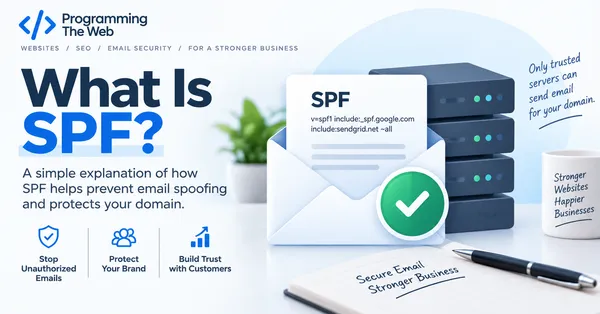
SPF (Sender Policy Framework) is a DNS record that lists which mail servers are allowed to send email on behalf of your domain. When another mail server receives a message claiming to be from you@yourbusiness.com, it can check your SPF record to see whether the server that actually sent it is on the approved list.
If someone spoofs your domain from a server that isn’t listed, SPF gives receiving mail providers a reason to be suspicious. On its own, though, SPF has a real limitation: it only checks the sending server, not the message itself, and it breaks easily when email gets forwarded.
What Is DKIM
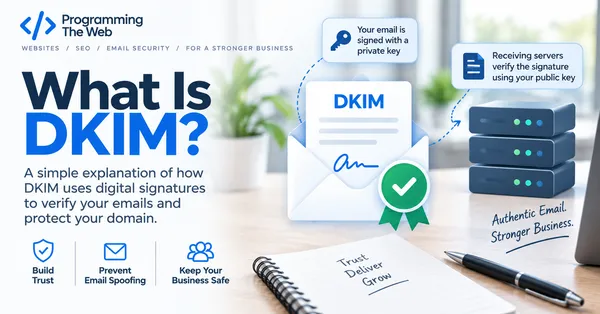
DKIM (DomainKeys Identified Mail) takes a different approach. Instead of checking where a message came from, it attaches a digital signature to each outgoing email, generated using a private key only your mail server has. The receiving server checks that signature against a public key published in your DNS.
If the signature checks out, the receiving server knows two things: the message really was sent by something with access to your domain’s private key, and the content wasn’t altered in transit. DKIM survives forwarding better than SPF does, but by itself it doesn’t tell a receiving server what to do if a message fails the check.
What Is DMARC
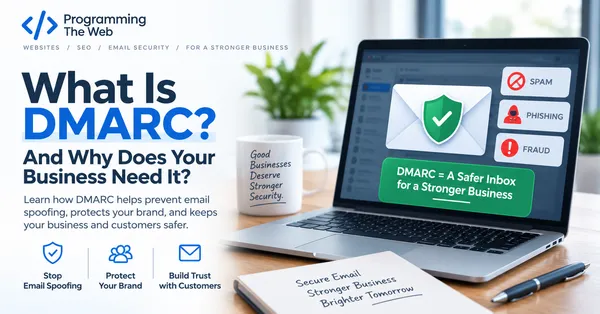
This is where DMARC comes in. DMARC doesn’t replace SPF or DKIM — it sits on top of both and adds two things neither one provides alone:
- Alignment checking — confirming that the domain in the “From” address a person actually sees matches the domain that passed SPF and/or DKIM, closing a loophole spoofers can otherwise exploit.
- A policy — explicit instructions telling receiving mail servers what to do with messages that fail: let them through, send them to spam, or reject them entirely.
DMARC also generates reports showing exactly which servers are sending email using your domain, which is often the only way small businesses discover a forgotten marketing tool or invoicing platform that’s been sending unauthenticated mail all along.
How They Work Together
Think of it as layers:
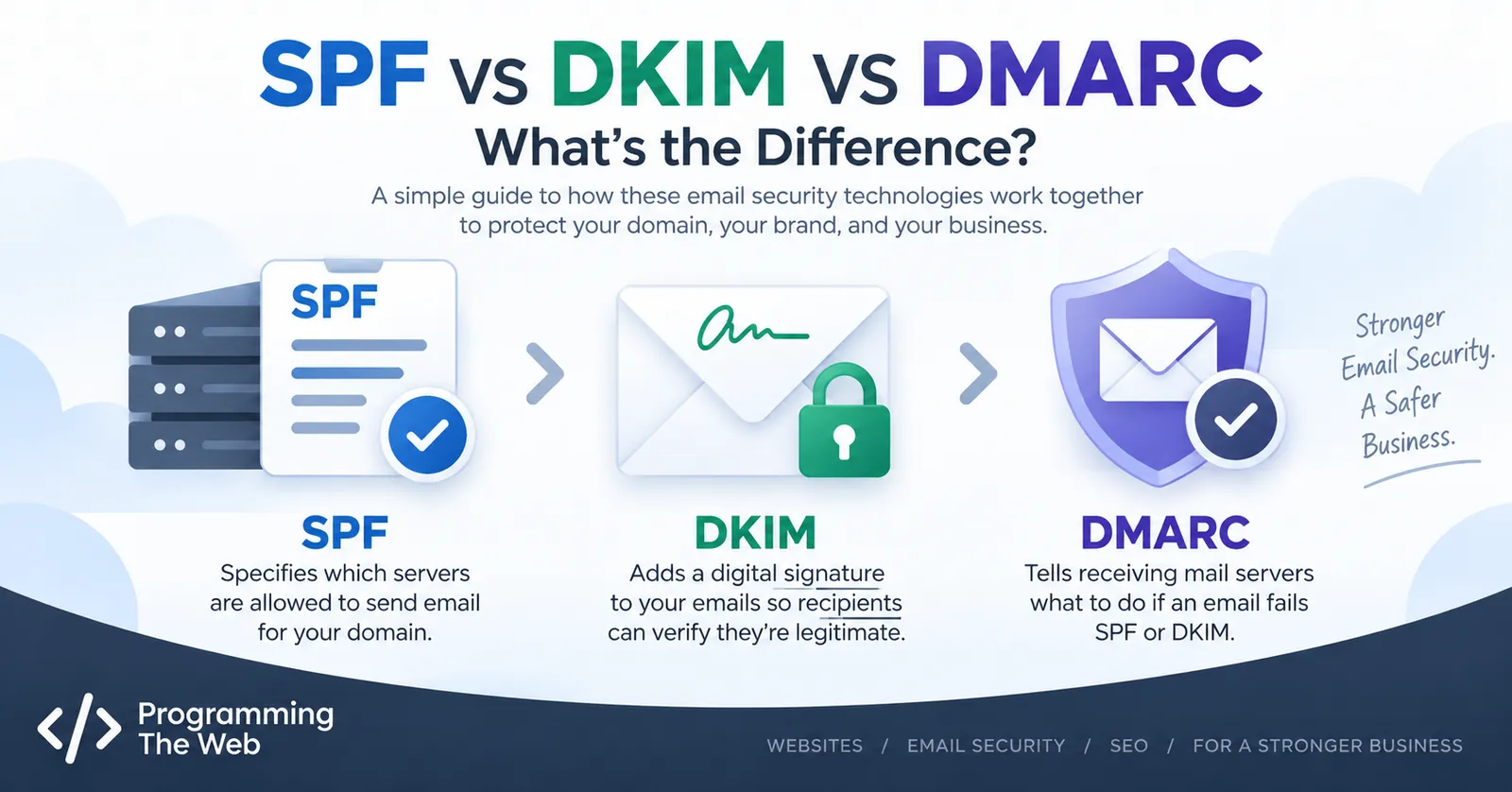
- SPF authorizes which servers can send mail for your domain.
- DKIM proves a message wasn’t altered and really came from an authorized sender.
- DMARC checks that SPF and/or DKIM passed and that they align with what the recipient sees, then enforces a policy based on the result.
A domain with only SPF is partially protected. A domain with SPF and DKIM but no DMARC has no enforcement — everything still gets delivered regardless of what fails. You need all three configured and aligned for real protection.
Which One Do You Need First
If none of these are set up yet, the practical order is: confirm SPF is accurate for every service sending mail on your behalf, add DKIM for those same services, then publish a DMARC record starting in monitor-only mode so you can see what’s actually happening before enforcing anything. Trying to configure DMARC before SPF and DKIM are solid is the most common mistake — there’s nothing for it to align against yet.
If you’re not sure where your domain currently stands, checking your domain takes just a couple of minutes and tells you exactly what’s missing.